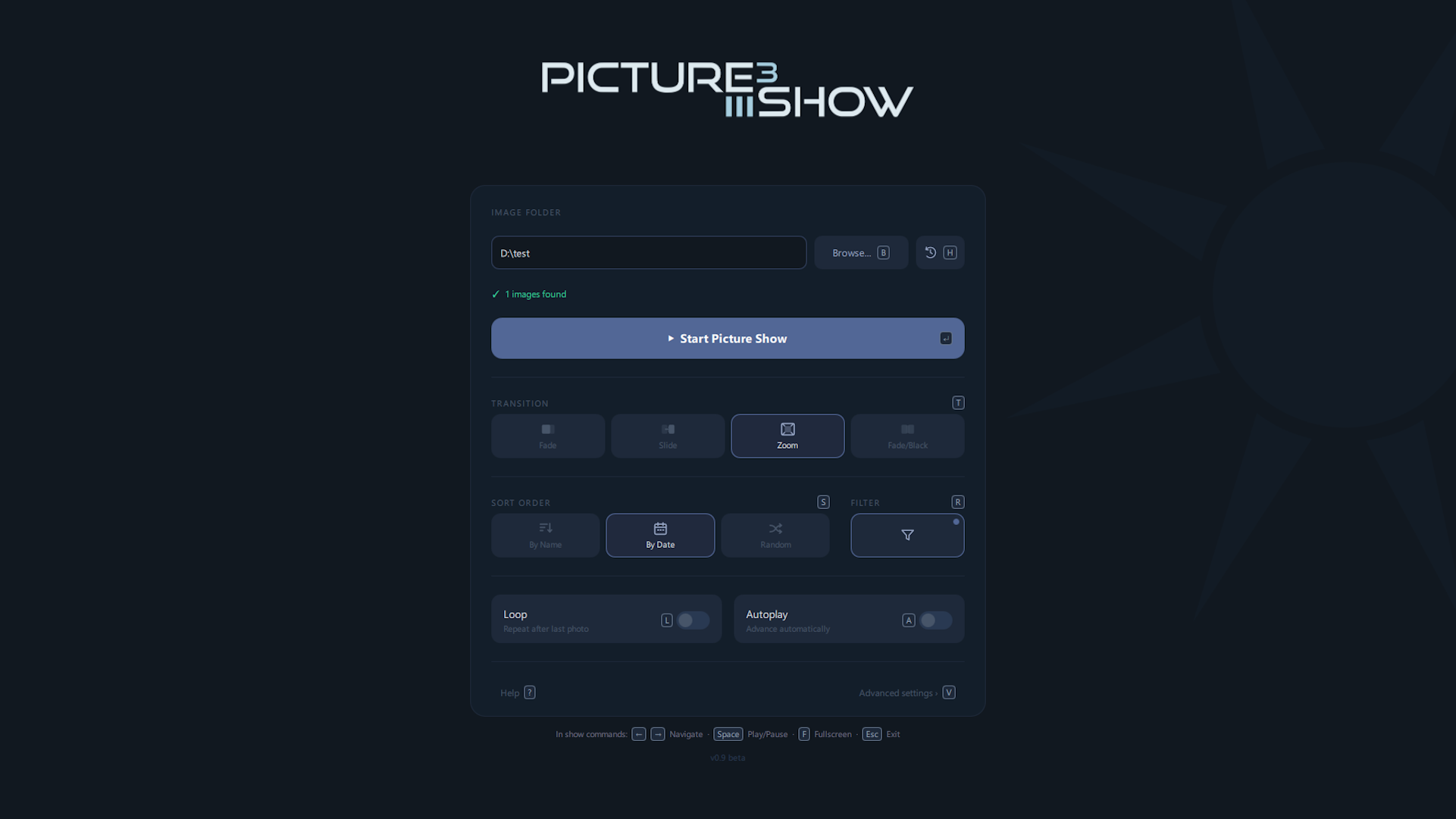
Fade, Slide, Zoom, and Fade-to-black — rendered entirely on the GPU via Qt Quick for silky-smooth animations.
Scan the QR code or open the URL in any browser on the same Wi-Fi. Control the show from your phone without installing anything.
Wide images are detected automatically and scrolled smoothly across the screen. Press P to activate.
Reads XMP star ratings embedded in your files. Filter the playlist to images at or above a minimum rating (1–5).
Order images by filename, by EXIF date taken, or shuffle them randomly.
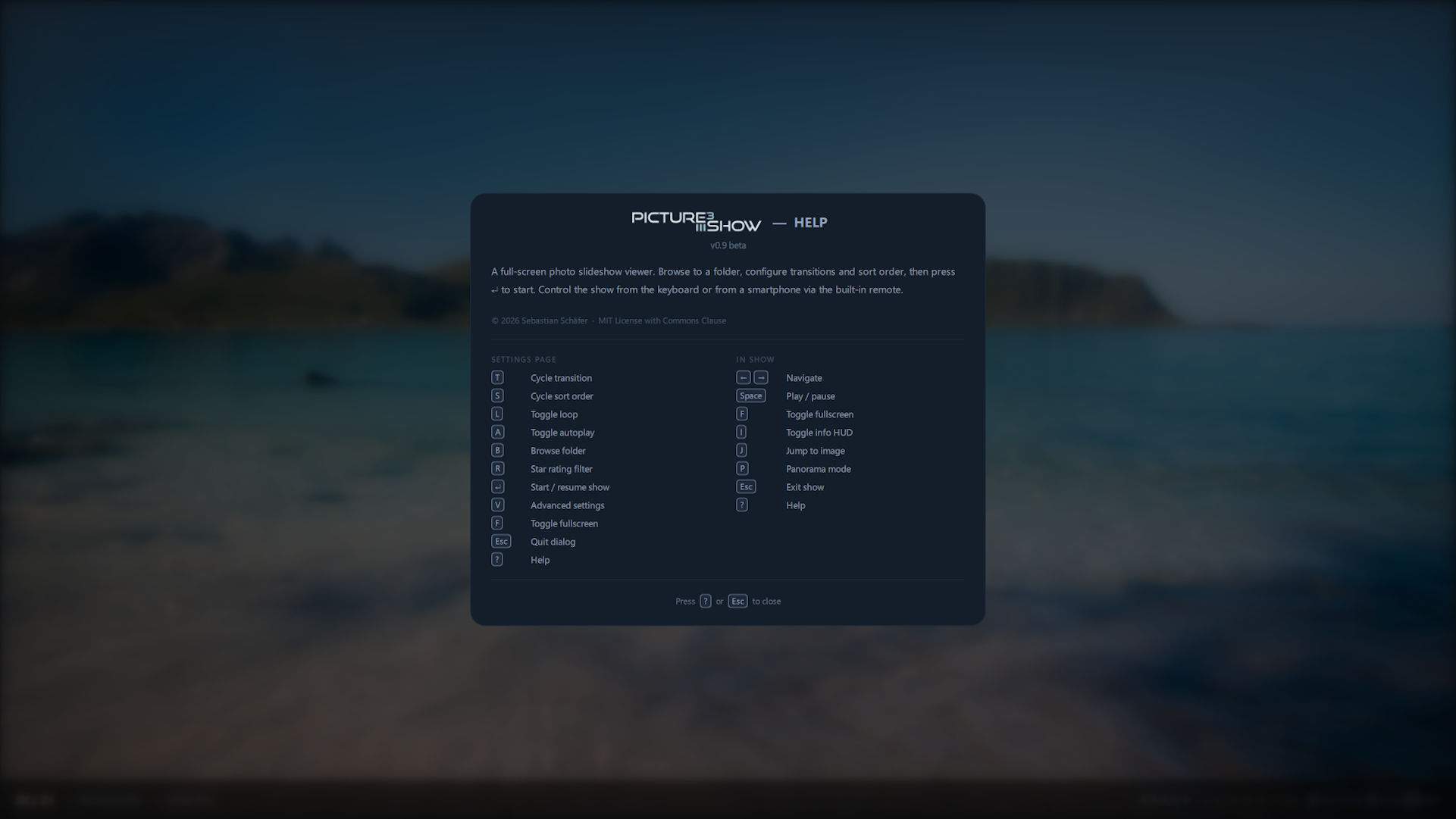
Every action is reachable by mouse click or keyboard shortcut — navigate, configure, and control the show without ever leaving your preferred input.
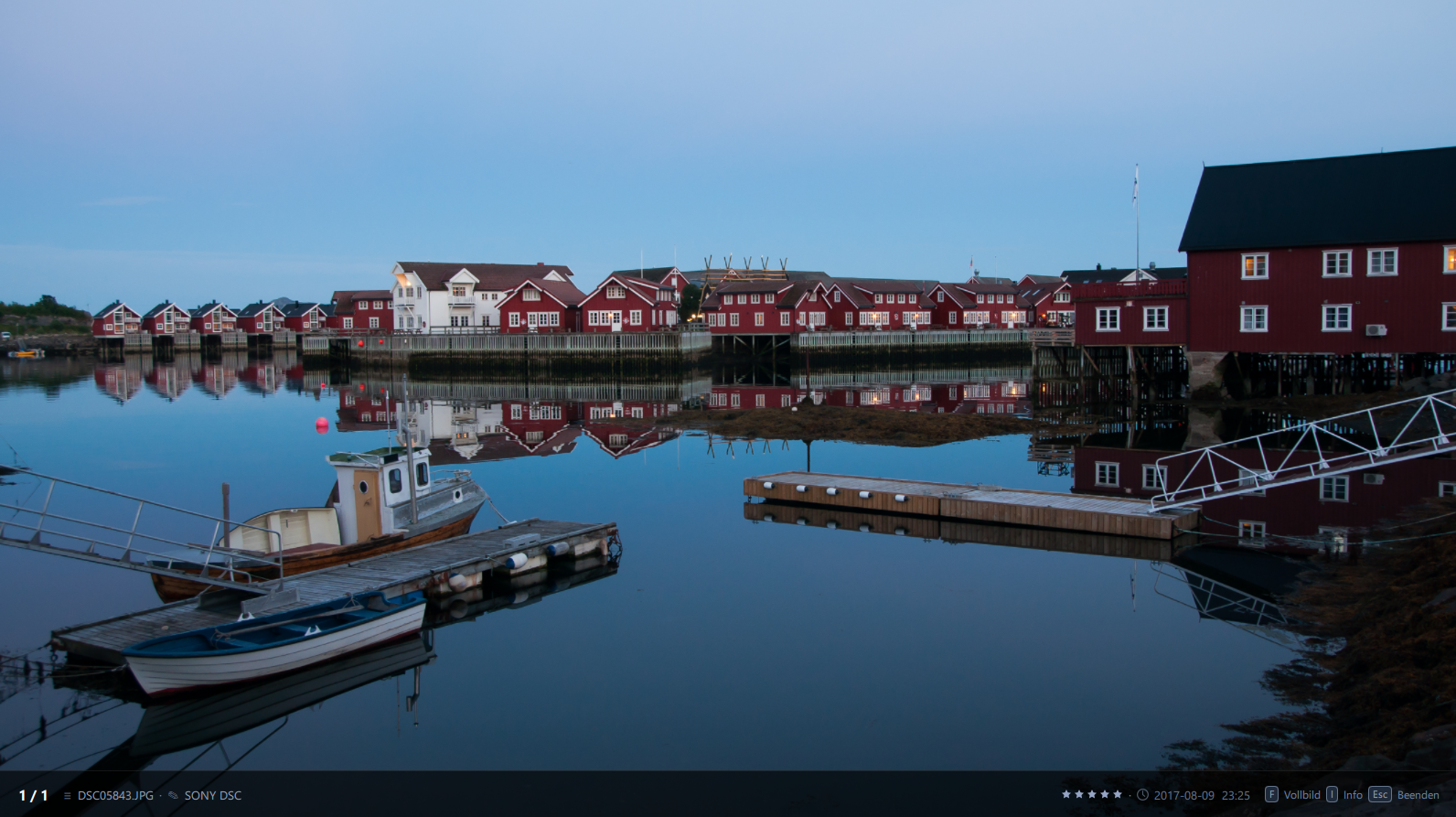
Toggleable overlay showing index, filename, IPTC caption, XMP rating, and EXIF date taken during the show.
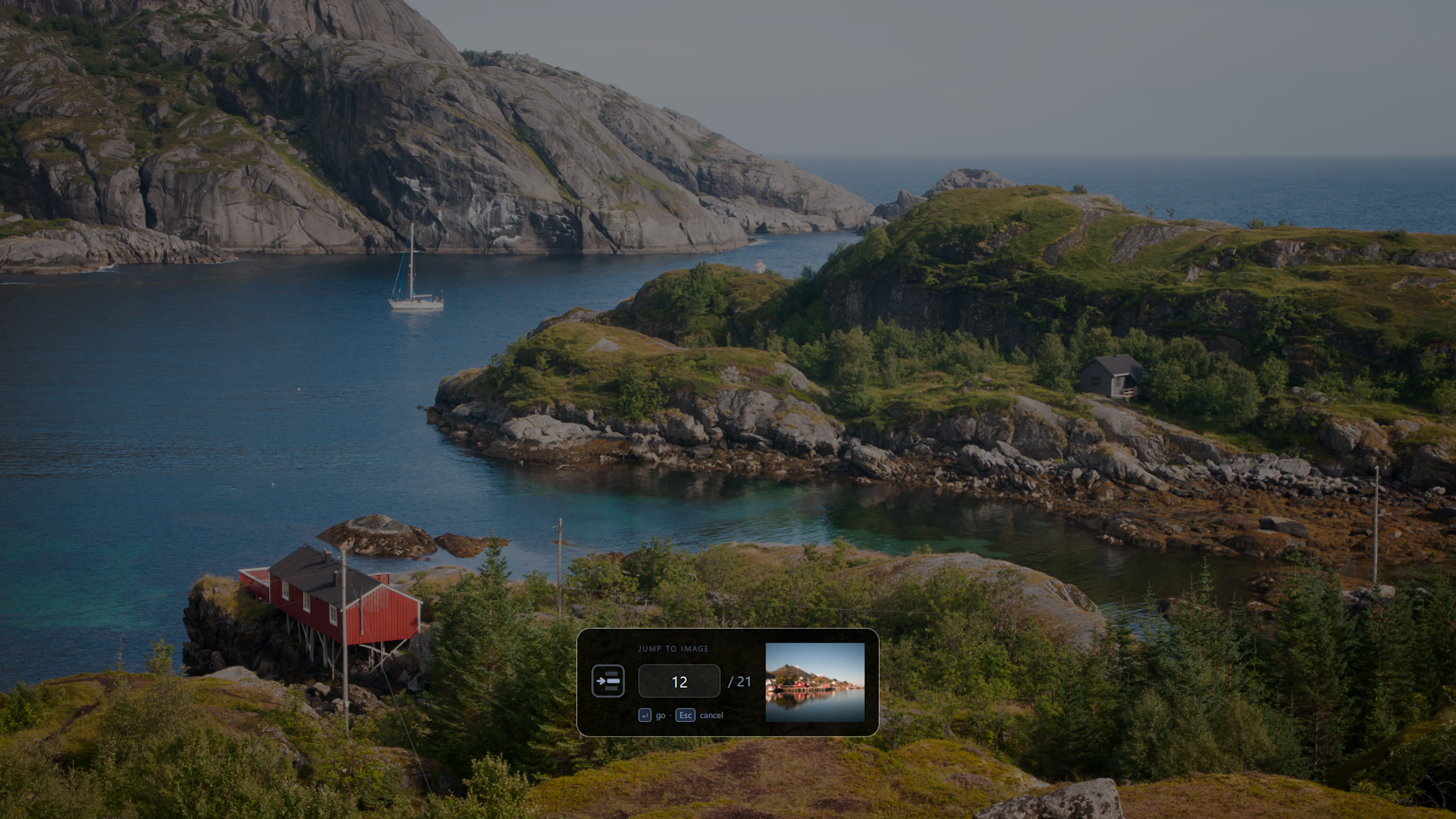
Press J and type a number to jump directly to any photo with a live preview before confirming.
Your last-used photo folders are one keystroke away. Press H to instantly reopen any recent location — no file browsing needed.
Include video files in the slideshow — videos play automatically when reached during playback.
Right-click any folder in Explorer to launch picture show 3 directly with that folder — no dialog needed.
Wide images are detected automatically and displayed in a slow pan — bringing panoramic shots to life without any manual setup.
Press 1–5 during the show to set a star rating on the current image — saved directly into the file.
A slide-out panel showing full camera metadata: make, model, exposure, aperture, focal length, flash, and more.
Start the show directly via picture-show3 --folder /photos — skips the dialog, ideal for automation and kiosk setups.
Trigger the show from the smartphone remote without anyone at the computer — perfect for unattended presentations.
Change or add a caption for any image directly within the app — stored as metadata, shown during the show.
See all open issues and vote with 👍 on GitHub Issues.
Download the installer from GitHub Releases and run it — no Python or additional setup required.
Download installerRun directly from source — it's straightforward. Clone the repo, install dependencies with pip, and you're running in minutes.
Native packages (deb, rpm, AppImage) are in the works.
View source